Leica FOTOS 6.0 introduces a redesigned interface with improved navigation and a more streamlined experience.
Here are the key updates:
“Leica Gallery” is now “Your Gallery” – Your photos are still front and center, now under a new name.
New navigation – Switching between your photo library and your camera has been redesigned for quicker access.
Faster camera access – Your primary camera is now just one tap away. You can switch to other cameras using the new horizontal list.
Updated controls – Select mode and filter options have moved to the bottom of the screen for easier reach.
Enhanced editing with Leica Looks – You can now mark your favorite Looks for quicker access.

In Leica FOTOS 6.0, “Leica Gallery” has been renamed to “Your Gallery.”
You’ll see Your Gallery right after launching the app. This is where all photos downloaded from your cameras are shown—just like before.
The name has changed, but everything else remains the same.

In Leica FOTOS 6.0, the camera list is now displayed horizontally at the top of the “Your gallery” screen.
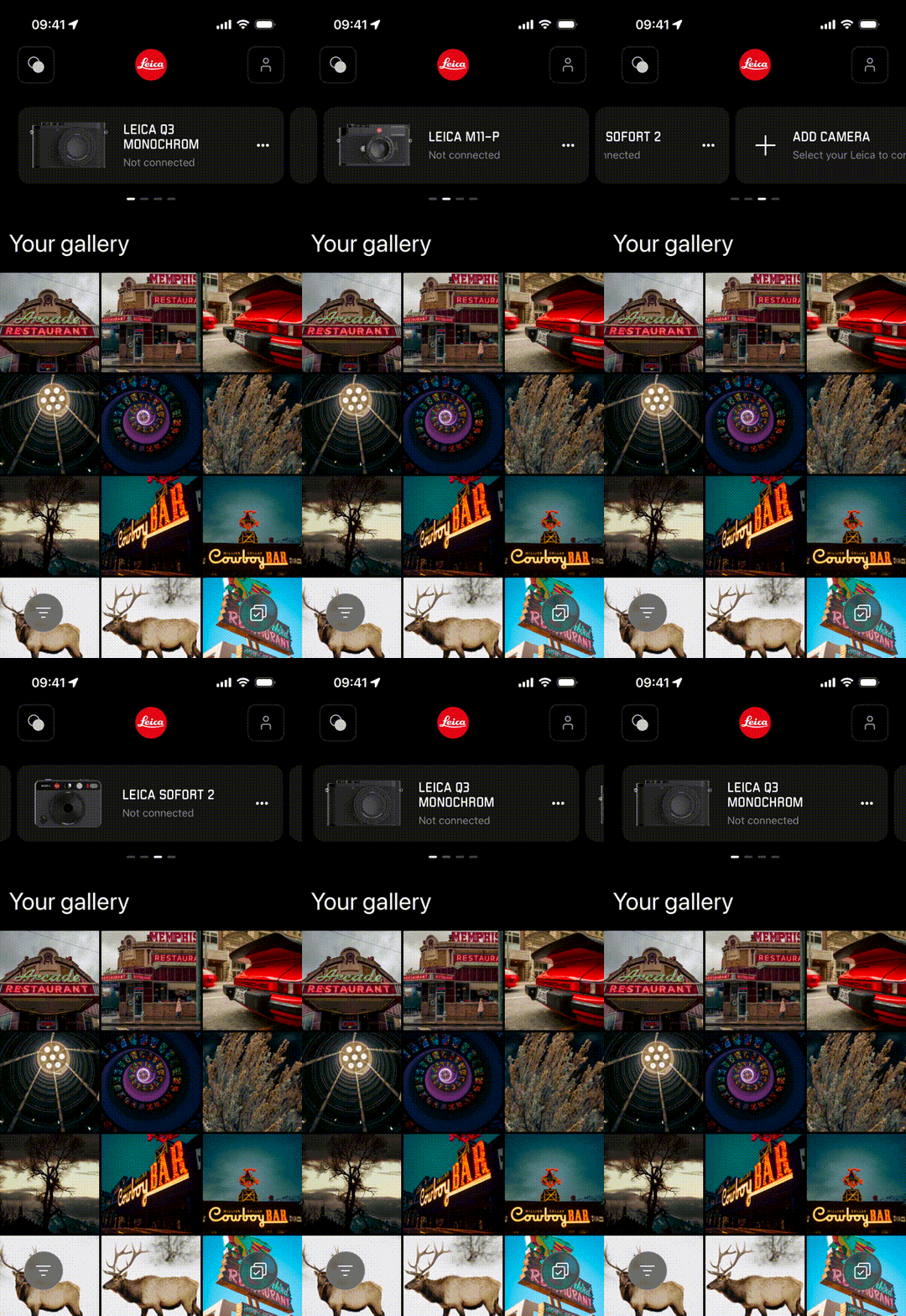
Your last connected camera is shown first, and you can swipe left or right to see and switch to other connected cameras.
All your cameras are still there—just in a new, more compact layout.
In Leica FOTOS 6.0, switching between Your Gallery (photos on your device) and your Camera (including Settings, Remote, and Camera Gallery) has been redesigned.
To switch between them:
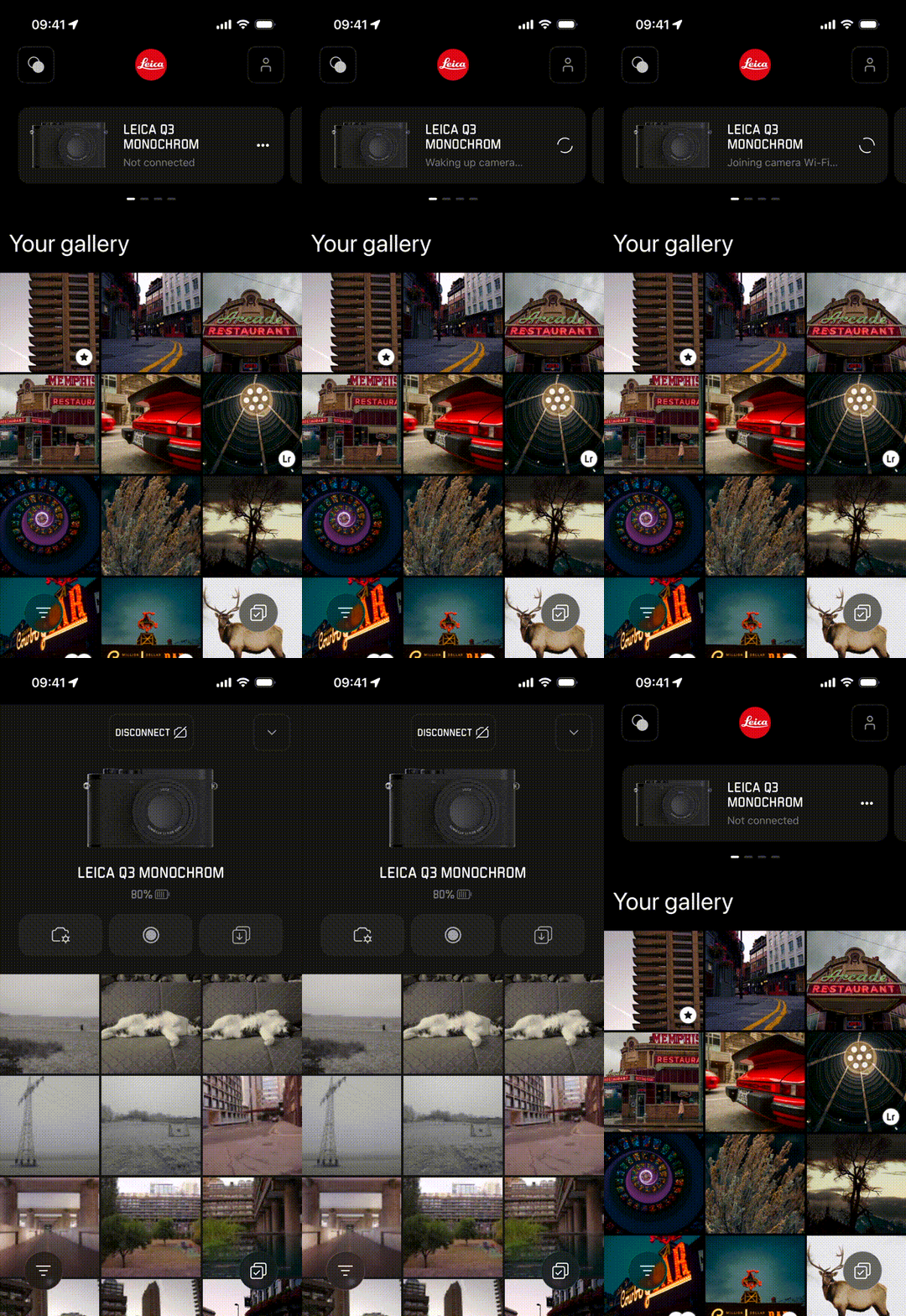
From Your Gallery, tap the camera card at the top of the screen to connect and access your camera
From your Camera, tap the down arrow in the top-right corner to return to Your Gallery
Your camera remains connected, so you can switch back at any time by tapping the camera card again
To disconnect, tap the disconnect button at the top of the screen
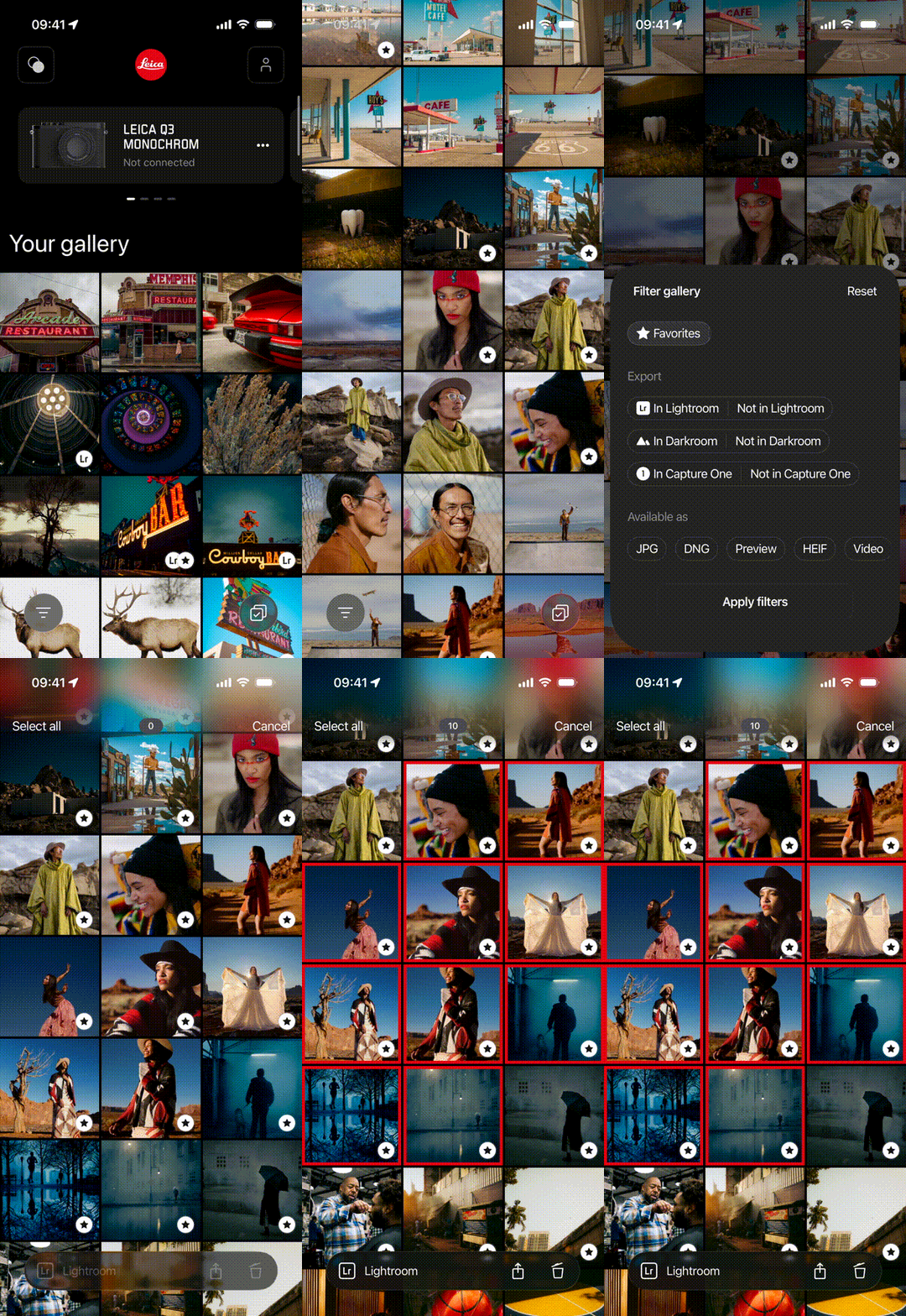
In Leica FOTOS 6.0, select mode and filter options are now located at the bottom of the screen for easier access—especially when using your phone with one hand.
Editing with Leica Looks has been updated in Leica FOTOS 6.0.
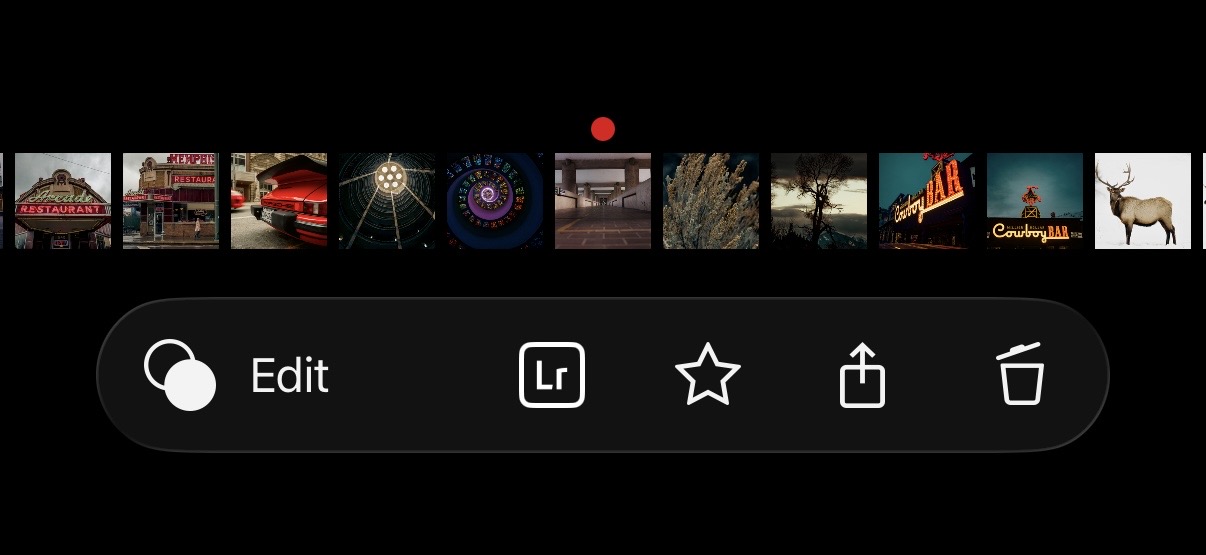
Editing is now the primary action for photos in details, making it faster to start editing right away. Integrations with third-party editing apps are still available and remain easily accessible.
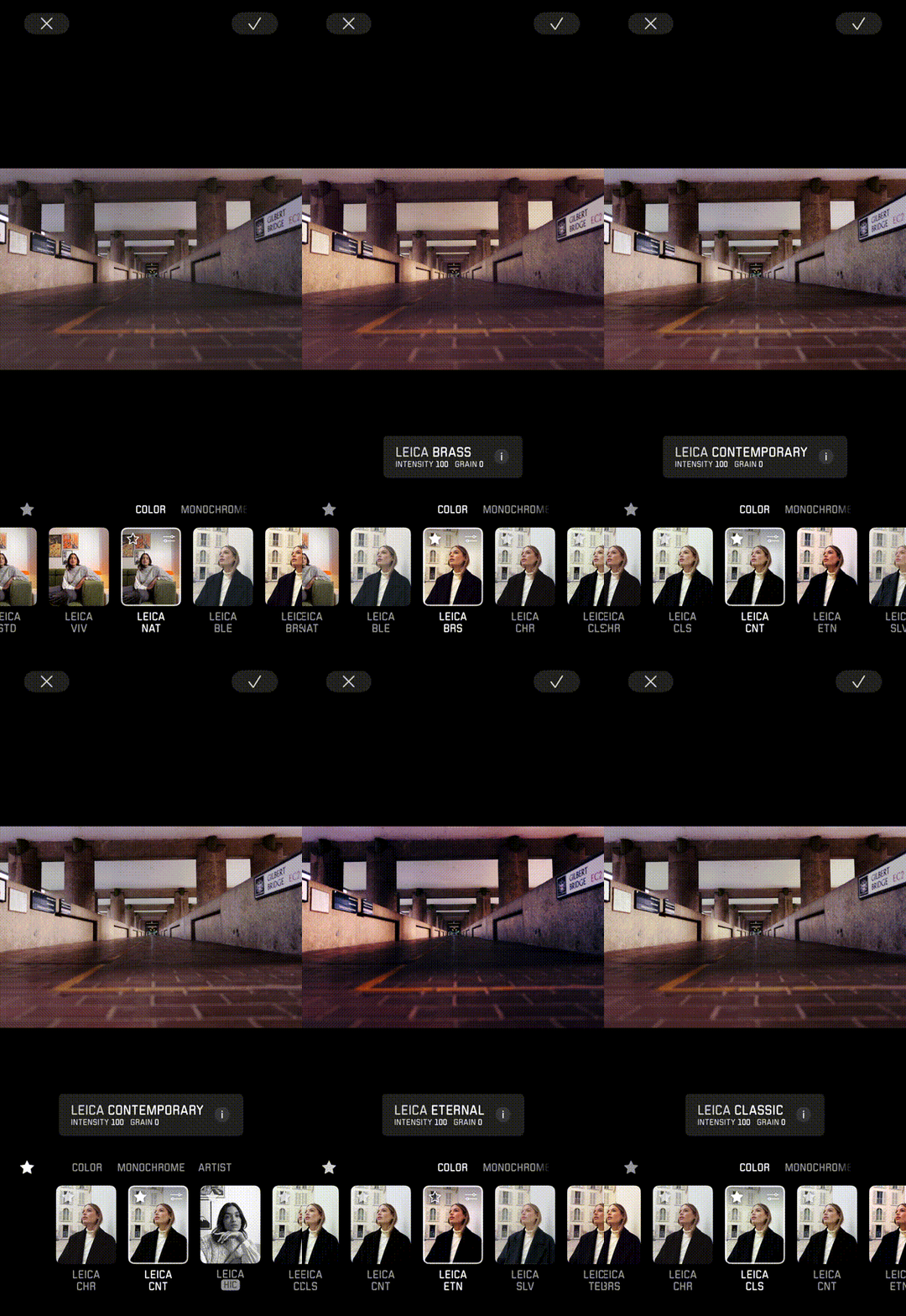
You can now mark your favorite Looks for quicker access while editing—a feature introduced with the Leica LUX app. This makes it easier to find and apply the styles you use most.